
Codex Executor
Codex is a powerful open-source Roblox script executor built for gamers and developers who demand both performance and reliability. Whether you're customizing gameplay, testing scripts, or creating new experiences, Codex delivers smooth execution, advanced stability, and broad script compatibility across PC, Android, and iOS.
Experience next-gen script execution with high frame rates, 4K-ready visuals, and optimized performance even on low-end devices. Codex combines power, safety, and simplicity — so you can focus on creativity, not crashes.
Download Codex Executor:
Why Choose Codex Executor?
1. High Script Compatibility
Codex Executor supports a vast range of Roblox scripts, from utility libraries to complex automation tools. Run popular scripts like Infinite Yield, Domain X, and Owl Hub with exceptional stability and minimal execution errors.
2. Optimized Performance
Built with efficiency in mind, Codex runs smoothly even on low-end PCs and mobile devices. Its lightweight core minimizes lag and maximizes frame rate for a seamless in-game experience.
3. Cross-Platform Support
Codex works across Windows, Android, and iOS, allowing you to switch devices without losing progress or performance. Your scripts, settings, and preferences stay consistent everywhere.
4. Advanced Security Layer
Safety comes first. Codex integrates sandbox protection and anti-ban mechanisms to keep your Roblox account and data secure while executing scripts in a controlled environment.
5. Exclusive Script Hub
Access a regularly updated Script Hub featuring hundreds of pre-tested and verified scripts. No need to search through unreliable third-party sources — everything you need is right inside Codex.
6. Modern and Intuitive Interface
Enjoy a clean, easy-to-navigate interface designed for both beginners and advanced scripters. Codex lets you focus on execution, not configuration.
7. Open-Source Transparency
Codex is community-driven and open-source, meaning its code is publicly available for review and contribution. Experience full transparency and help improve the platform together with the community.
8. Frequent Updates & Support
Our developers and contributors push regular updates to ensure compatibility with the latest Roblox patches. Join our Discord to get real-time help, share ideas, and stay up to date.
9. Enhanced Graphics & Custom Controls
Unlock high-resolution, 4K-ready visuals and customizable key mappings for a true PC-grade control experience — even on mobile. Codex helps you play and script your way.
Main Features
- • Execute Roblox scripts on Windows, Android, and iOS devices
- • Support for popular scripts like Infinite Yield, Domain X, and Owl Hub
- • Exclusive built-in Script Hub with verified and updated scripts
- • High-performance engine optimized for low-end PCs and mobile devices
- • Stable 60–120 FPS gameplay with 4K-ready graphics support
- • Secure sandbox environment and anti-ban protection layer
- • Cross-platform synchronization for scripts and settings
- • Customizable keyboard and mouse layouts for precision control
- • Clean, modern interface designed for both beginners and advanced users
- • Regular updates ensuring compatibility with the latest Roblox versions
- • Open-source codebase backed by an active developer community
Screenshots
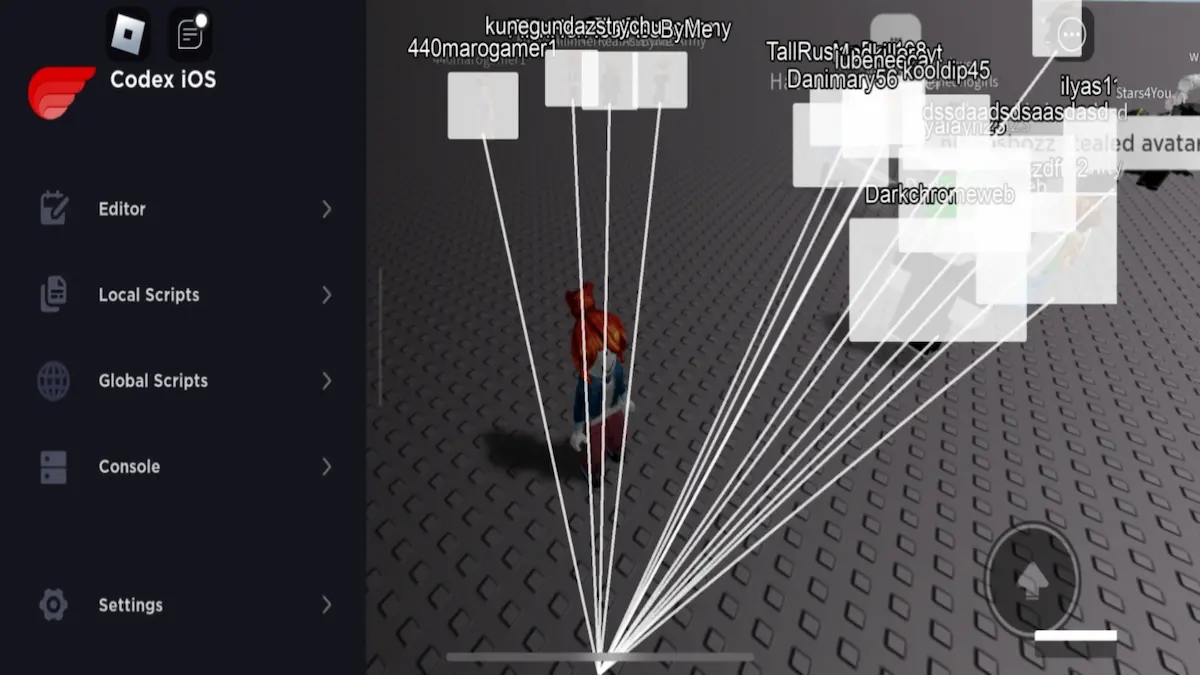
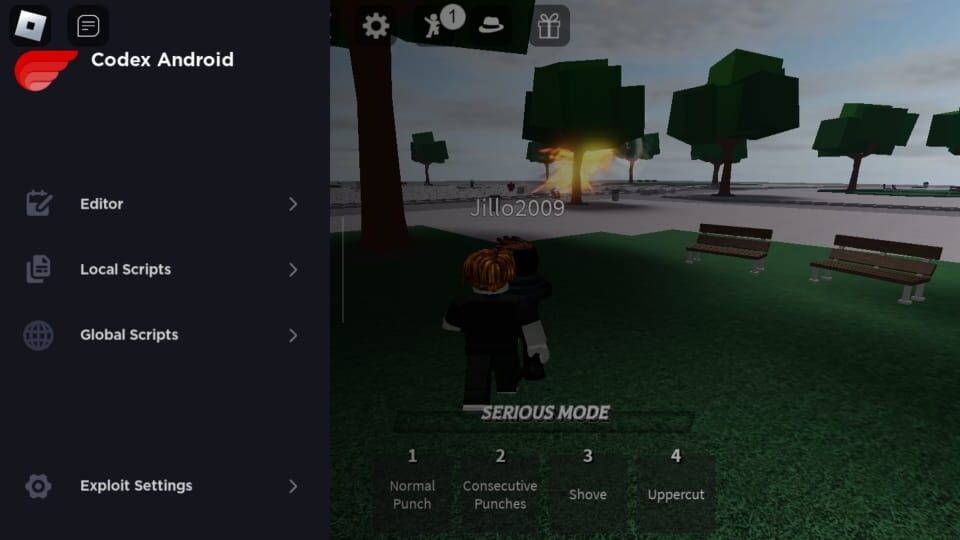
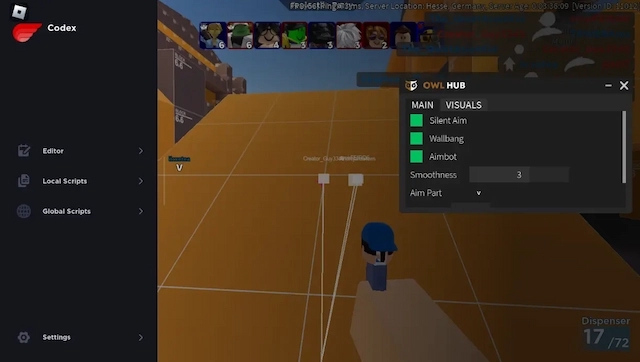
How to Install Codex Executor
Follow these simple steps to install Codex Executor on your device. You can download all files using the buttons at the top of this page.
Tap the Download for Android button on the top of the page.
Once the APK is downloaded, open your Downloads folder.
If prompted, enable "Install from Unknown Sources" in your phone's settings.
Tap the APK file and proceed with installation.
Launch Codex, grant the necessary permissions, and start executing scripts.
⚠️ Tip: If your device blocks the installation, disable Play Protect temporarily and re-enable it after installation.
Tap the Download for iOS button above.
You'll be redirected to an official installation page or third-party installer (such as TestFlight or Scarlet).
Follow the on-screen instructions to trust the developer profile.
Once installed, open Codex and complete the setup.
Enjoy safe and stable script execution on your iPhone or iPad.
💡 Note: If you see an "Untrusted Developer" message, go to Settings → General → VPN & Device Management, select the profile, and tap Trust.
Click the Download for Windows button at the top of the page.
Extract the ZIP file to a convenient folder (e.g., Desktop or Documents).
Double-click Codex.exe to start the setup process.
Follow the installer prompts until setup is complete.
Launch Codex, sign in or connect your account, and start using the Script Hub.
✅ Codex for Windows includes advanced performance settings, full controller support, and 4K graphics options.
Frequently Asked Questions
Codex Executor is an open-source Roblox script executor that lets you run custom scripts to enhance gameplay or create new in-game experiences across Windows, Android, and iOS.
Yes, Codex is completely free and open-source. You can download and use it without any subscription or hidden fees.
Codex uses sandbox protection and anti-ban measures to minimize risk. However, as with all third-party tools, use it responsibly and at your own discretion.
Absolutely. Codex is available for both Android and iOS, offering smooth performance and script compatibility similar to the PC version.
Yes. Codex is optimized for low-end systems, ensuring stable performance and high frame rates even on older hardware.
You can find detailed installation steps in the "How to Install" section above. Just choose your platform and follow the guide.
In some cases, security software may flag Codex as a false positive due to script execution behavior. You can temporarily disable it during installation and re-enable afterward.
Codex supports a wide range of Roblox scripts, including Infinite Yield, Owl Hub, Domain X, and many more community-made scripts.
Our community developers regularly update Codex to maintain compatibility with Roblox's latest patches and security updates.
Yes! Codex is open-source, and contributions are welcome. Visit our GitHub or join Discord to collaborate with the team.
Yes, it includes an integrated Script Hub with pre-tested, verified scripts you can run instantly without searching external sites.
Script executors often trigger false positives because they interact with game memory. Codex does not contain malware — it's simply how executors function.
Try reinstalling Codex, updating your Roblox client, and ensuring your antivirus isn't interfering. If issues persist, ask for help on our Discord server.
No. Codex runs on standard Android and iOS devices — no jailbreak or root access is required.
Yes, Codex supports cross-platform use. You can install it on different devices and sync your settings for a consistent experience.
You can always download the latest version from this official site. Uninstall the old version before installing the new one for best performance.
Yes. Codex is built by the community and maintained openly, with its source code publicly available for transparency and security.
Join our official Discord server for real-time assistance or check the Contact Us page for additional help.
Codex is optimized to deliver smooth gameplay and can even boost FPS on some devices by optimizing rendering and resource usage.
Make sure you've extracted all files from the ZIP archive, temporarily disable antivirus, and run Codex as Administrator. If it still doesn't launch, seek help on Discord.